


BARRACUDA PRICE INTELLIGENCE
Seagate BarraCuda 8TB Price History
Live ST8000DM004 pricing, 90-day history and capacity-step economics for the 8TB BarraCuda desktop hard drive.
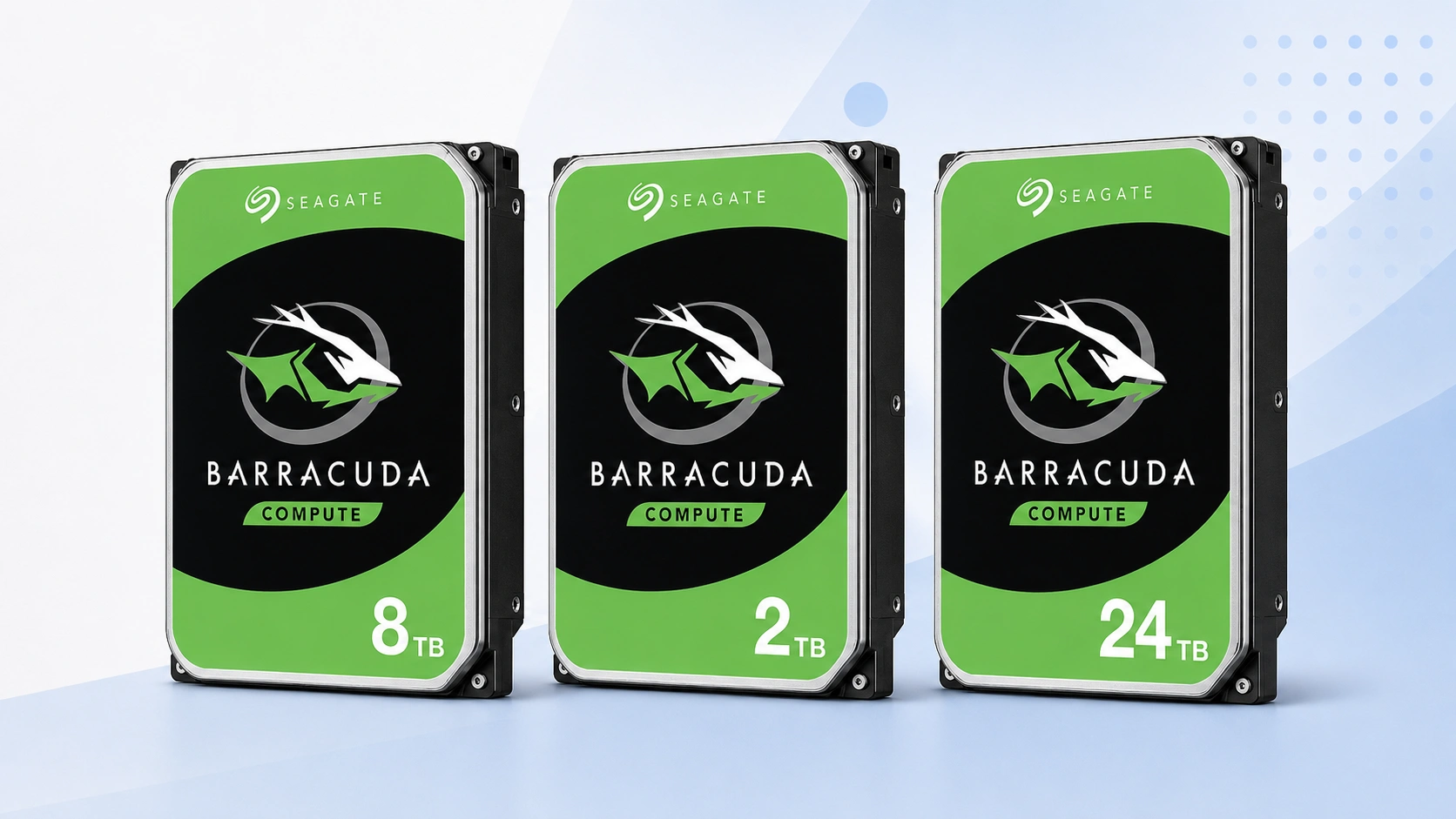
Use ST8000DM004 as the primary 8TB price reference. Compare today’s checkout price with its tracked range, then check the neighboring capacities before deciding whether to buy now or change tiers.
Price Trend
90-Day Price History
BarraCuda Deal Score
Live value by capacity and model
| Capacity / model | Capacity | $/TB | 30-Day | Historical position | Deal Score | Signal |
|---|---|---|---|---|---|---|
| ST8000DM004 8TBST8000DM004 | 8TB | $31.25 | -9.3% | 0th percentile | 98Medium history | BUY |
| BarraCuda 4TBST4000DM004 | 4TB | $40.00 | 68.4% | 7th percentile | 93Medium history | BUY |
| BarraCuda 12TB | — | — | — | History in progress | —Early history | WATCH |
Historical position compares today’s price per TB with recent tracked prices for the same BarraCuda target. Renewed, recertified, refurbished and used offers are kept separate.
Is this a good price?
BarraCuda Price Check Calculator
Amazon Live
Current BarraCuda 8TB offers
| Drive | Model | Capacity | Amazon price | $/TB | Checked | |
|---|---|---|---|---|---|---|
 Seagate BarraCudaNew · ALL4COMPUTERS-TX ----- SIGNATURE REQUIRED ---- Seagate BarraCudaNew · ALL4COMPUTERS-TX ----- SIGNATURE REQUIRED ---- | ST8000DM004 | 8TB | $249.99 | $31.25 | Last verified 17d ago | Buy on Amazon |
 Seagate BarraCudaNew · zhangzhoulonghaikedoulaidianzishangwuyouxiangongsi Seagate BarraCudaNew · zhangzhoulonghaikedoulaidianzishangwuyouxiangongsi | ST8000DM004 | 8TB | $843.26 | $105.41 | Checked 4h ago | Buy on Amazon |
| Seagate BarraCudaNew · zhangzhoushiweichimingmaoyiyouxiangongsi | ST8000DM004 | 8TB | $862.00 | $107.75 | Checked 4h ago | Buy on Amazon |
| Seagate BarraCudaNew · Jingjing Liangpin Department Store Trading Firm in Huazhou City | ST8000DM004 | 8TB | $927.59 | $115.95 | Checked 4h ago | Buy on Amazon |
| Seagate BarraCudaNew · zhaoqingyuanchufuzhuangyouxiangongsi | ST8000DM004 | 8TB | $936.96 | $117.12 | Checked 4h ago | Buy on Amazon |
 Seagate BarraCudaNew · Amazon buying options Seagate BarraCudaNew · Amazon buying options | ST8000DM004 | 8TB | $396.00 | $49.50 | Last verified 8d ago | Buy on Amazon |
 Seagate BarraCudaNew · Amazon buying options Seagate BarraCudaNew · Amazon buying options | ST8000DM004 | 8TB | Price unavailable | — | Check current price | Buy on Amazon |
Seagate BarraCudaNew | ST8000DM004 | 8TB | Price unavailable | — | Check current price | Buy on Amazon |
As an Amazon Associate, Cloudzat may earn from qualifying purchases. Prices, seller, selected variation and availability can change after the last check. Confirm the exact BarraCuda model, capacity and New condition before checkout.
Capacity Upgrade Value
What each step up in BarraCuda capacity costs
| Capacity | 4TB | 8TB | 12TB |
|---|---|---|---|
| Best current price | $159.99 | $249.99 | — |
| Best current $/TB | $40.00 | $31.25 | — |
| Step-up premium | Baseline | +$90.00 | — |
| Marginal $ / added TB | — | $22.50 | — |
| 4-drive raw cost | $639.96 | $999.96 | — |
| Current model | ST4000DM004 | ST8000DMZ04 | — |
Step-up premium shows the extra purchase price versus the previous available capacity in this table. Marginal $/added TB shows what those extra terabytes cost. Apply tax, shipping, spares and your storage layout separately.
Smart Alternatives
Other BarraCuda capacities worth checking


Decision table
What to compare before buying
| Check | Why it matters | What to verify | Decision impact |
|---|---|---|---|
| Exact model | Keeps ST8000DM004 history clean | ST8000DM004 | High |
| Capacity | Confirms the 8TB variant | 8TB | High |
| Condition | Separates new from non-new stock | New | High |
| $/TB | Compares capacity economics | Current price ÷ capacity | Medium |
| Seller | Changes return and warranty route | Live seller details | Medium |
8TB is where BarraCuda begins to feel like bulk storage rather than a simple upgrade
At eight terabytes, the price decision has more financial weight and the cost per terabyte becomes a stronger part of the purchase. ST8000DM004 is commonly considered for large desktop libraries, local archives, backup targets and media collections where 2TB or 4TB would require more frequent expansion. The absolute price is still far below many enterprise capacities, but a poor buying window can add enough cost to make another tier worth considering. That is why this page combines model history with a 4TB and 12TB comparison rather than evaluating the 8TB sticker in isolation.
Eight terabytes can also be a psychological stopping point for buyers who are used to older desktop capacities. Price intelligence helps replace that habit with arithmetic. If 12TB offers four extra terabytes for a small premium, moving up can be efficient. If 12TB is scarce and 8TB is near a historical low, the familiar tier can be the better purchase. The answer can change month to month without the storage requirement changing. Deal Score captures the timing of ST8000DM004; Capacity Upgrade Value shows whether the current capacity ladder supports staying at 8TB.
ST8000DM004 is the identity behind the main 8TB score
The search phrase “BarraCuda 8TB” is easy to type but it is not precise enough for a historical benchmark. This page uses ST8000DM004 as the primary identity so that a current price is compared with observations for the product a buyer actually intends to order. Broad searches can surface external drives, other Seagate families, used stock or bundles that have very different economics. Exact-model filtering keeps those products from lowering or raising the model’s apparent fair price simply because they share an 8TB label.
That model check should continue through checkout. Marketplace parent pages can contain several capacities, and a title snippet shown by a search engine may not reflect the variation selected when the page opens. Confirm ST8000DM004 and 8TB in the live product details, then verify the label on arrival. If another DM-series 8TB drive appears, compare it separately. An alternative can be a good deal without being allowed to rewrite the history of the model this page is tracking.
4TB versus 8TB versus 12TB is a density and cash-flow decision
The 4TB tier can reduce upfront spend and may suit a backup rotation where two independent copies matter more than maximum density. Twelve terabytes can reduce the number of drives needed for a large archive. Eight terabytes sits between them, often balancing total price and useful headroom. The Capacity Upgrade Value table turns those differences into marginal cost. Instead of asking only whether 12TB has a lower $/TB, it asks how many additional dollars are required to gain the extra four terabytes beyond 8TB.
The same logic applies downward. If two 4TB drives cost less than one 8TB drive, the cheaper total does not automatically mean they are better because they consume two SATA ports and create two devices to manage. Conversely, one 8TB drive is not a backup merely because it replaces two smaller drives. Use the table for acquisition economics, then apply the topology of the real system. Bays, independent copies, failure domains and future growth all determine whether density is worth paying for.
Why an 8TB sale can move the family-wide value leaderboard quickly
Large-capacity HDD promotions have an outsized effect on price per terabyte because the discount is spread across more storage. A $40 reduction on an 8TB drive removes $5 from the cost of each terabyte. The same dollar discount on 2TB removes $20 per terabyte, but the starting prices and promotion patterns are different. This is why the family-wide best-value card can change abruptly when ST8000DM004 is discounted. The dashboard is designed to show that movement rather than keep a permanent “best capacity” recommendation that eventually goes stale.
When 8TB becomes the current value leader, check whether the model’s own history agrees. A family-wide win can occur even when ST8000DM004 is only at an average point in its 90-day range, simply because nearby capacities are expensive. The strongest buying case occurs when both comparisons align: the 8TB model is low in its own history and competitive against adjacent sizes. If only one condition is true, WATCH can be more informative than a reflexive purchase.
Scaling an 8TB purchase across several drives changes the importance of timing
One 8TB drive can be an ordinary desktop purchase. Four or eight of them represent a much larger capital decision, even if the intended system is not a formal NAS. A $25 difference per drive becomes $100 across four units and $200 across eight. The economics card exposes that multiplier so a buyer purchasing several copies can see whether waiting for a better model-level price has meaningful budget impact. It also highlights when stepping to a larger capacity could reduce the number of devices required.
Multi-drive buyers should avoid using raw acquisition cost as the only measure. Redundancy, backups, spare policy, chassis limits and power consumption sit outside this price table. The purpose of the BarraCuda calculator is narrower: quantify media cost accurately before those system-level decisions are layered on top. Once the required number of drives is known, a small improvement in price timing can become worthwhile. For a single-drive purchase, the same difference may not justify delaying a project.
Desktop-drive value should not be confused with NAS or enterprise suitability
A strong ST8000DM004 Deal Score says the current price is favorable for the BarraCuda product being tracked. It does not certify the drive for every always-on array, surveillance recorder or enterprise workload. Buyers building those systems should compare the workload requirements, warranty terms and compatibility guidance of the appropriate drive families before choosing purely on price. The Smart Alternatives panel inside this plugin stays within BarraCuda because its job is capacity value, not to collapse every Seagate product into one recommendation.
This separation protects both the technical and financial decision. If the workload genuinely calls for a NAS or enterprise drive, compare those products in their own price intelligence pages. If the requirement is desktop bulk storage, local backup or another role suited to BarraCuda, then the New-condition ST8000DM004 benchmark is relevant. Confirm the exact listing, seller, capacity and condition before checkout, and keep independent backups for data that cannot be replaced.
Seller, warranty and listing checks before checkout
Price intelligence can identify an attractive ST8000DM004 offer, but the checkout decision still depends on who is selling it and what product will actually arrive. Read the seller name, condition, return policy and warranty wording before treating the displayed price as equivalent to another retailer’s offer. Marketplace titles can be shortened or copied across variants, so the exact model number deserves more weight than promotional wording. If the seller does not clearly identify the part, consider the price provisional until the model can be confirmed.
Also check whether the listing is a single bare internal drive rather than a bundle, external enclosure, multipack or system containing a drive. Those products can create misleadingly low or high prices if they enter a comparison by mistake. Cloudzat filters the obvious mismatches, but the final product page can change after a price check. Before paying, confirm ST8000DM004, 8TB, SATA interface and New condition on the live listing. That verification takes less time than recovering from a wrong shipment.
Where a BarraCuda 8TB fits in a desktop storage plan
BarraCuda is a broad desktop storage family, so the right capacity depends on what the drive will store and how often that data changes. large desktop archives and economical bulk storage often value economical bulk capacity, while active project files or latency-sensitive applications may be better placed on SSD storage with the hard drive used for colder data. The price page should therefore help decide the cost of capacity without pretending that every workload is interchangeable. A cheap hard drive is still the wrong purchase if the application needs a different performance or duty profile.
Plan the role before the capacity. Estimate the amount of data already stored, expected annual growth, backup copies and how much free space you want to preserve. Then compare 8TB with the neighboring tiers using both total cost and price per TB. If the drive is part of a backup strategy, remember that one large disk is not a substitute for multiple independent copies. Price intelligence is most powerful when it sits inside a storage plan rather than becoming the plan itself.
Comparing ST8000DM004 with nearby BarraCuda capacities
The closest alternative to ST8000DM004 is not always another seller of the same model. Sometimes the better decision is a different BarraCuda capacity that costs only modestly more, or a smaller tier that satisfies the requirement at much lower total cost. Smart Alternatives on this page prioritizes current BarraCuda options near the target capacity and shows their $/TB so the tradeoff is visible. This is especially useful when one capacity experiences a temporary supply squeeze.
Do not assume the larger tier always has the lower unit cost. Capacity pricing can be lumpy because individual models move through promotions and inventory cycles independently. When 8TB looks expensive, compare the next smaller and larger models before deciding to wait. If a neighboring tier offers much better marginal value, changing the capacity can be more effective than waiting for the exact drive to fall. If the chosen tier fits a strict compatibility or budget requirement, keep the model target and use the history instead.
How to use BUY, WATCH and WAIT in a real purchase
BUY means the current ST8000DM004 price is attractive relative to the history available and the system has enough evidence to make that timing signal useful. WATCH means the price is ordinary, the history is still developing, or the advantage is not large enough to justify urgency. WAIT means the current offer is expensive relative to the tracked range. None of the three labels overrides the practical cost of delay. A failed drive, backup gap or hard deadline can make an average price acceptable.
The most disciplined approach is to set two thresholds. Use a stricter target for an optional capacity upgrade and a more flexible ceiling for an urgent replacement. Revisit the page as the market changes and check whether the exact model remains the same. This turns the price history into a repeatable buying process instead of a one-time guess based on a crossed-out list price. The signal should help you act consistently, not encourage endless waiting for a theoretical perfect deal.
A practical checklist for buying BarraCuda 8TB
Start by confirming that ST8000DM004 is the model you actually want. Check the live offer, current price, price per TB and historical position. Compare the neighboring capacities in Capacity Upgrade Value, then decide whether your storage plan benefits more from lower upfront cost or extra headroom. If the purchase is optional, set a target price based on the recorded range and return when the market moves closer to it. If the purchase is urgent, choose the best current qualified seller rather than waiting solely for a score to improve.
Finally, verify the seller, condition, SATA interface, capacity and model again immediately before checkout. When the drive arrives, compare the label with the listing before putting important data on it. Keep backups independent of the new disk and test the drive according to your normal deployment process before relying on it. The value of this page is that price, history and capacity economics are considered together, while the final buying decision still respects the real storage job.
Questions people ask
BarraCuda 8TB FAQs
What is a good price for Seagate BarraCuda 8TB?
A good price is one that sits favorably in the tracked range for ST8000DM004 and compares well with neighboring BarraCuda capacities. The page updates the Deal Score as current prices and history change.
Is ST8000DM004 the only BarraCuda 8TB model?
Not necessarily across every generation or market. This page uses the named model as its primary exact-price reference and keeps other revisions separate when they appear.
Does the Deal Score include used or renewed drives?
No. The main benchmark uses New-condition offers so non-new stock does not distort the fair-price reference for a new drive.
Should I buy 8TB or move to another capacity?
Check Capacity Upgrade Value. It compares the premium for neighboring tiers so you can see whether 8TB is currently the economic sweet spot for your storage plan.
Can the 90-day chart predict the next sale?
No. It shows where today’s price sits relative to recorded prices. It is context for timing, not a forecast guarantee.
What should I confirm before ordering?
Confirm Seagate BarraCuda family, ST8000DM004, 8TB capacity, SATA interface, New condition, seller and quantity on the live listing before checkout.
Price methodology & sources
How Cloudzat compares BarraCuda prices
Cloudzat matches BarraCuda offers by exact model, capacity, desktop form factor and condition before including them in the model-specific benchmark. Price per TB is the current new-drive price divided by capacity. When a page is tied to a model such as ST2000DM008 or ST24000DM001, a different model does not silently inherit that model’s price history.
The Deal Score combines current price per TB with the price record available for the same BarraCuda target. Newer histories are treated conservatively. Renewed, recertified, refurbished and used drives do not define the New-condition benchmark, and the score is a purchase-timing aid rather than a reliability or compatibility rating.
If a current Amazon price is no longer available, Cloudzat stops showing that numeric price until a new current offer appears. Always confirm the selected model, capacity, seller, quantity and condition before checkout.