


BARRACUDA PRICE INTELLIGENCE
Seagate BarraCuda 16TB Price
Live ST16000DM001 pricing, 90-day history and capacity-step economics for the 16TB BarraCuda desktop hard drive.
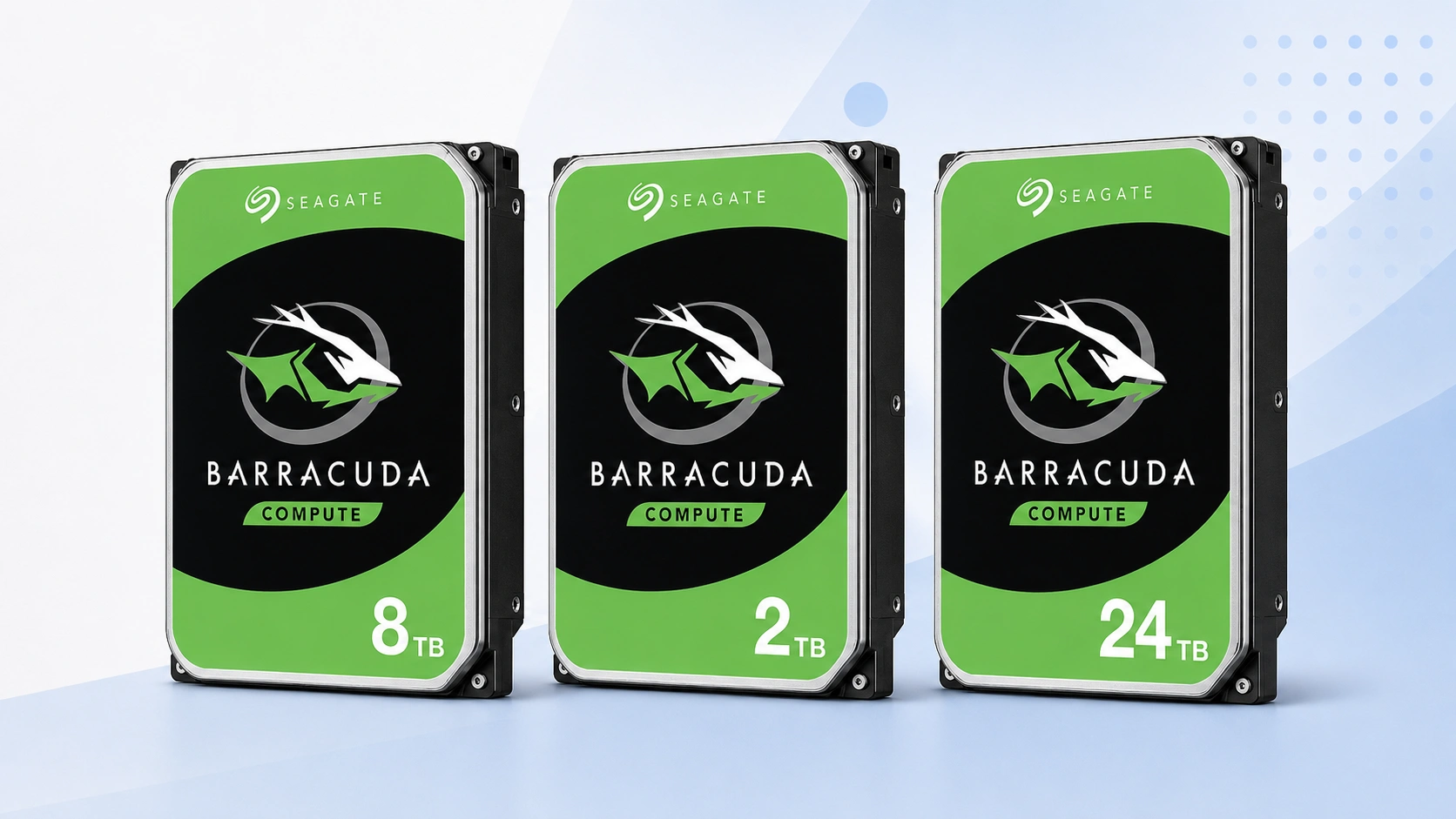
Use ST16000DM001 as the primary 16TB price reference. Compare today’s checkout price with its tracked range, then check the neighboring capacities before deciding whether to buy now or change tiers.
Price Trend
90-Day Price History
BarraCuda Deal Score
Live value by capacity and model
| Capacity / model | Capacity | $/TB | 30-Day | Historical position | Deal Score | Signal |
|---|---|---|---|---|---|---|
| ST16000DM001 16TB | — | — | — | History in progress | —Medium history | WATCH |
| BarraCuda 12TB | — | — | — | History in progress | —Early history | WATCH |
| BarraCuda 20TBST20000DM001 | 20TB | $47.02 | 34.6% | 5th percentile | 95Medium history | BUY |
Historical position compares today’s price per TB with recent tracked prices for the same BarraCuda target. Renewed, recertified, refurbished and used offers are kept separate.
Is this a good price?
BarraCuda Price Check Calculator
Amazon Live
Current BarraCuda 16TB offers
| Drive | Model | Capacity | Amazon price | $/TB | Checked | |
|---|---|---|---|---|---|---|
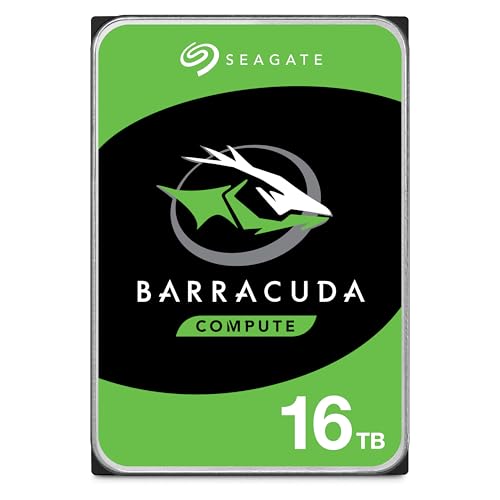 Seagate BarraCudaNew · Amazon buying options Seagate BarraCudaNew · Amazon buying options | ST16000DM001 | 16TB | Price unavailable | — | Check current price | Buy on Amazon |
As an Amazon Associate, Cloudzat may earn from qualifying purchases. Prices, seller, selected variation and availability can change after the last check. Confirm the exact BarraCuda model, capacity and New condition before checkout.
Capacity Upgrade Value
What each step up in BarraCuda capacity costs
| Capacity | 12TB | 16TB | 20TB |
|---|---|---|---|
| Best current price | — | — | $940.37 |
| Best current $/TB | — | — | $47.02 |
| Step-up premium | — | — | Baseline |
| Marginal $ / added TB | — | — | — |
| 4-drive raw cost | — | — | $3,761.48 |
| Current model | — | — | ST20000DM001 |
Step-up premium shows the extra purchase price versus the previous available capacity in this table. Marginal $/added TB shows what those extra terabytes cost. Apply tax, shipping, spares and your storage layout separately.
Smart Alternatives
Other BarraCuda capacities worth checking


Decision table
What to compare before buying
| Check | Why it matters | What to verify | Decision impact |
|---|---|---|---|
| Exact model | Keeps ST16000DM001 history clean | ST16000DM001 | High |
| Capacity | Confirms the 16TB variant | 16TB | High |
| Condition | Separates new from non-new stock | New | High |
| $/TB | Compares capacity economics | Current price ÷ capacity | Medium |
| Seller | Changes return and warranty route | Live seller details | Medium |
16TB changes the BarraCuda purchase from a small upgrade into a high-value decision
A 16TB hard drive carries enough capacity and checkout cost that timing matters in absolute dollars, not only in percentage terms. ST16000DM001 can serve buyers trying to consolidate large desktop archives, backup repositories and media collections into fewer drives. At this level, a 10 percent price difference can equal the cost of an entire smaller storage device or a meaningful part of a second backup. That makes a model-specific Deal Score more useful than a generic recommendation. The page shows whether the current 16TB offer is favorable in its own record and whether the 12TB or 20TB tier gives a better density tradeoff.
The purchase should begin with the data plan. Estimate how much space must be stored now, the growth expected over the next several years and the number of independent copies required. A 16TB single drive may be efficient for one archive but expensive overkill for a modest desktop. Conversely, undersizing a rapidly growing repository can force another migration sooner than expected. Price intelligence is most valuable after the capacity requirement is bounded. It helps choose when and at which nearby tier to buy, rather than allowing a sale price to define the storage architecture.
ST16000DM001 must stay separate from other 16TB Seagate products
Sixteen terabytes is a common capacity across several Seagate families, which makes exact identity especially important. A search result can place BarraCuda, Exos, IronWolf Pro or an external drive beside one another because the capacity matches. Those products have different positioning and may follow different pricing patterns. ST16000DM001 is therefore the model anchor for this page. The main history does not absorb a cheaper 16TB enterprise pull or an external enclosure merely to create more data points. The score is intended to describe the new BarraCuda target, not the whole 16TB storage market.
That rule also improves comparison quality when a seller title is shortened. The presence of “Seagate 16TB” is not enough. Look for the exact DM-series model and confirm that the listing is a new internal SATA drive. If the model is not visible, treat the offer as unverified until the product details resolve it. After delivery, check the label before deploying it. The larger the purchase, the more valuable that simple verification becomes, especially if multiple units were ordered for the same storage plan.
12TB, 16TB and 20TB form a useful high-capacity value ladder
The nearest alternatives to 16TB are not necessarily equal steps in retail price. Twelve terabytes may be discounted because of mature inventory, while 20TB can occasionally offer a surprisingly small premium when sellers favor the newer high-capacity range. The Capacity Upgrade Value table measures both directions. It shows the total price of each tier, the current cost per terabyte and the marginal dollars required for the additional four terabytes. That makes the 16TB choice visible as a point on a curve rather than a standalone product card.
If the move from 16TB to 20TB is inexpensive, the larger model can preserve a drive bay and delay the next expansion. If the premium is steep, 16TB may be the better density value even when 20TB has the more impressive capacity. Moving down to 12TB can also make sense when the archive is unlikely to grow. The right answer depends on how much of the extra capacity will be used. The table quantifies the price of that headroom so the buyer can decide whether it is worth purchasing today.
A thinner high-capacity market makes seller distribution more visible
High-capacity BarraCuda inventory can be less evenly distributed than mainstream 2TB or 4TB stock. A small number of sellers can therefore have a larger influence on the visible 16TB price. One seller leaving stock can move the apparent market sharply even if the broader HDD category is unchanged. The 90-day median helps smooth that effect, while the chart makes unusual spikes or drops easier to recognize. A low percentile is strongest when several current listings support it rather than one anomalous offer.
For planned purchases, this is a reason to combine history with current availability. A WAIT signal during a thin market may encourage comparison with 12TB or 20TB instead of simply hoping the same seller lowers its price. A BUY signal should still be checked for seller quality, condition and exact model. Price intelligence reduces uncertainty about the price position; it cannot guarantee how long inventory will remain or how quickly a particular seller will change its offer.
Capacity Upgrade Value becomes a procurement tool at 16TB
The premium between neighboring high-capacity models can become large when multiplied across several units. Suppose a workstation archive needs four drives. An extra $70 per drive to move from 16TB to 20TB becomes $280 before tax. That may be a sensible price for 16TB of additional raw capacity across the set, or it may be money better spent on an independent backup. The marginal $/added TB row is designed to make that tradeoff explicit without forcing the buyer to perform it manually for every market change.
Bay value matters too. A chassis with limited SATA connections can justify paying a higher marginal cost for density, while a system with abundant bays can favor the cheaper capacity tier. This is why the table shows raw multi-drive cost but does not attempt to declare one architecture best. Apply the numbers to the system you actually have. The intelligence layer supplies current media economics; your bay limits, redundancy plan, power budget and backup strategy determine how much density is worth.
High-capacity BarraCuda pricing should not borrow a cheaper enterprise pull
At 16TB, buyers will often encounter recertified or used enterprise drives at prices that look compelling beside a new BarraCuda. Those products can have a legitimate place in a cost-conscious storage plan, but they do not define the fair new price for ST16000DM001. Condition, warranty channel and previous service history change the risk profile. The core chart therefore remains a New-condition benchmark. That keeps a low recertified Exos price from making every new BarraCuda listing appear artificially expensive.
If the workload allows non-new enterprise stock, compare it in a separate decision and price it against other products of the same condition. If the goal is a new BarraCuda, use this page to judge timing, then verify the seller, model, capacity and SATA interface on the live listing. A clean benchmark is especially important at high capacities because a few hundred dollars of condition difference can otherwise overwhelm the historical signal the visitor is trying to use.
Seller, warranty and listing checks before checkout
Price intelligence can identify an attractive ST16000DM001 offer, but the checkout decision still depends on who is selling it and what product will actually arrive. Read the seller name, condition, return policy and warranty wording before treating the displayed price as equivalent to another retailer’s offer. Marketplace titles can be shortened or copied across variants, so the exact model number deserves more weight than promotional wording. If the seller does not clearly identify the part, consider the price provisional until the model can be confirmed.
Also check whether the listing is a single bare internal drive rather than a bundle, external enclosure, multipack or system containing a drive. Those products can create misleadingly low or high prices if they enter a comparison by mistake. Cloudzat filters the obvious mismatches, but the final product page can change after a price check. Before paying, confirm ST16000DM001, 16TB, SATA interface and New condition on the live listing. That verification takes less time than recovering from a wrong shipment.
Where a BarraCuda 16TB fits in a desktop storage plan
BarraCuda is a broad desktop storage family, so the right capacity depends on what the drive will store and how often that data changes. high-capacity desktop storage, backup repositories and media servers often value economical bulk capacity, while active project files or latency-sensitive applications may be better placed on SSD storage with the hard drive used for colder data. The price page should therefore help decide the cost of capacity without pretending that every workload is interchangeable. A cheap hard drive is still the wrong purchase if the application needs a different performance or duty profile.
Plan the role before the capacity. Estimate the amount of data already stored, expected annual growth, backup copies and how much free space you want to preserve. Then compare 16TB with the neighboring tiers using both total cost and price per TB. If the drive is part of a backup strategy, remember that one large disk is not a substitute for multiple independent copies. Price intelligence is most powerful when it sits inside a storage plan rather than becoming the plan itself.
Comparing ST16000DM001 with nearby BarraCuda capacities
The closest alternative to ST16000DM001 is not always another seller of the same model. Sometimes the better decision is a different BarraCuda capacity that costs only modestly more, or a smaller tier that satisfies the requirement at much lower total cost. Smart Alternatives on this page prioritizes current BarraCuda options near the target capacity and shows their $/TB so the tradeoff is visible. This is especially useful when one capacity experiences a temporary supply squeeze.
Do not assume the larger tier always has the lower unit cost. Capacity pricing can be lumpy because individual models move through promotions and inventory cycles independently. When 16TB looks expensive, compare the next smaller and larger models before deciding to wait. If a neighboring tier offers much better marginal value, changing the capacity can be more effective than waiting for the exact drive to fall. If the chosen tier fits a strict compatibility or budget requirement, keep the model target and use the history instead.
How to use BUY, WATCH and WAIT in a real purchase
BUY means the current ST16000DM001 price is attractive relative to the history available and the system has enough evidence to make that timing signal useful. WATCH means the price is ordinary, the history is still developing, or the advantage is not large enough to justify urgency. WAIT means the current offer is expensive relative to the tracked range. None of the three labels overrides the practical cost of delay. A failed drive, backup gap or hard deadline can make an average price acceptable.
The most disciplined approach is to set two thresholds. Use a stricter target for an optional capacity upgrade and a more flexible ceiling for an urgent replacement. Revisit the page as the market changes and check whether the exact model remains the same. This turns the price history into a repeatable buying process instead of a one-time guess based on a crossed-out list price. The signal should help you act consistently, not encourage endless waiting for a theoretical perfect deal.
A practical checklist for buying BarraCuda 16TB
Start by confirming that ST16000DM001 is the model you actually want. Check the live offer, current price, price per TB and historical position. Compare the neighboring capacities in Capacity Upgrade Value, then decide whether your storage plan benefits more from lower upfront cost or extra headroom. If the purchase is optional, set a target price based on the recorded range and return when the market moves closer to it. If the purchase is urgent, choose the best current qualified seller rather than waiting solely for a score to improve.
Finally, verify the seller, condition, SATA interface, capacity and model again immediately before checkout. When the drive arrives, compare the label with the listing before putting important data on it. Keep backups independent of the new disk and test the drive according to your normal deployment process before relying on it. The value of this page is that price, history and capacity economics are considered together, while the final buying decision still respects the real storage job.
Questions people ask
BarraCuda 16TB FAQs
What is a good price for Seagate BarraCuda 16TB?
A good price is one that sits favorably in the tracked range for ST16000DM001 and compares well with neighboring BarraCuda capacities. The page updates the Deal Score as current prices and history change.
Is ST16000DM001 the only BarraCuda 16TB model?
Not necessarily across every generation or market. This page uses the named model as its primary exact-price reference and keeps other revisions separate when they appear.
Does the Deal Score include used or renewed drives?
No. The main benchmark uses New-condition offers so non-new stock does not distort the fair-price reference for a new drive.
Should I buy 16TB or move to another capacity?
Check Capacity Upgrade Value. It compares the premium for neighboring tiers so you can see whether 16TB is currently the economic sweet spot for your storage plan.
Can the 90-day chart predict the next sale?
No. It shows where today’s price sits relative to recorded prices. It is context for timing, not a forecast guarantee.
What should I confirm before ordering?
Confirm Seagate BarraCuda family, ST16000DM001, 16TB capacity, SATA interface, New condition, seller and quantity on the live listing before checkout.
Price methodology & sources
How Cloudzat compares BarraCuda prices
Cloudzat matches BarraCuda offers by exact model, capacity, desktop form factor and condition before including them in the model-specific benchmark. Price per TB is the current new-drive price divided by capacity. When a page is tied to a model such as ST2000DM008 or ST24000DM001, a different model does not silently inherit that model’s price history.
The Deal Score combines current price per TB with the price record available for the same BarraCuda target. Newer histories are treated conservatively. Renewed, recertified, refurbished and used drives do not define the New-condition benchmark, and the score is a purchase-timing aid rather than a reliability or compatibility rating.
If a current Amazon price is no longer available, Cloudzat stops showing that numeric price until a new current offer appears. Always confirm the selected model, capacity, seller, quantity and condition before checkout.