


Best Dual-Bay Hard Drive Docks: Clone and USB Features
Compare two-slot SATA hard drive docks for drive access, migration and offline cloning. Filters separate clone-capable stations, USB interfaces, supported capacities and useful status features.

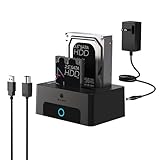


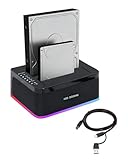
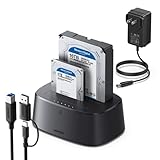


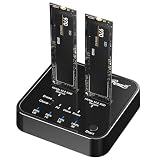


No offers match these filters
Reset a filter or choose another interface, protocol, brand or feature.
Choosing a dual-bay hard drive dock
Understand offline cloning
A clone button copies the source drive to the target without a computer. The target normally must be at least as large, and its existing data will be overwritten.
Check simultaneous access
Some docks expose both drives independently to the computer, while others emphasize cloning. Confirm the operating mode you need.
Use stable power
Two spinning drives can draw substantial startup current. Use the supplied power adapter and avoid interrupting a clone or write operation.
How Cloudzat compares enclosure prices
Compare current Amazon listings relevant to this guide. Product availability and prices can change.
Cloudzat rejects preinstalled-drive bundles, carrying cases, replacement cables and unrelated accessories. Technical fields are extracted from the Amazon title and product information and can be incomplete, so confirm the selected Amazon variant and manufacturer specification before ordering.
Frequently asked questions
Can a dual-bay dock clone a smaller drive to a larger drive?
Usually yes, provided the target is at least as large as the source. The cloned partition may still need expansion afterward.
Does offline cloning copy deleted or hidden data?
Sector-based cloning can copy the full source layout rather than only visible files. Read the product instructions and back up important data first.
Can I use two drives at the same time?
Many docks support simultaneous computer access, but not every model exposes both bays in every mode.
Is a dock safe for permanent storage?
A dock is convenient for temporary access and swapping. An enclosed, cooled solution may offer better physical protection for always-on use.